
TourBox Elite
Product Highlights
- Multi-dimensional Input Actions
- Unique Tactile Touch
- Intuitive Layout Within Easy Reach
- Authentic One-Handed Eye-Free Control


This product is currently out of stock. If you wish to be informed when it is back in stock, please click on the link below.

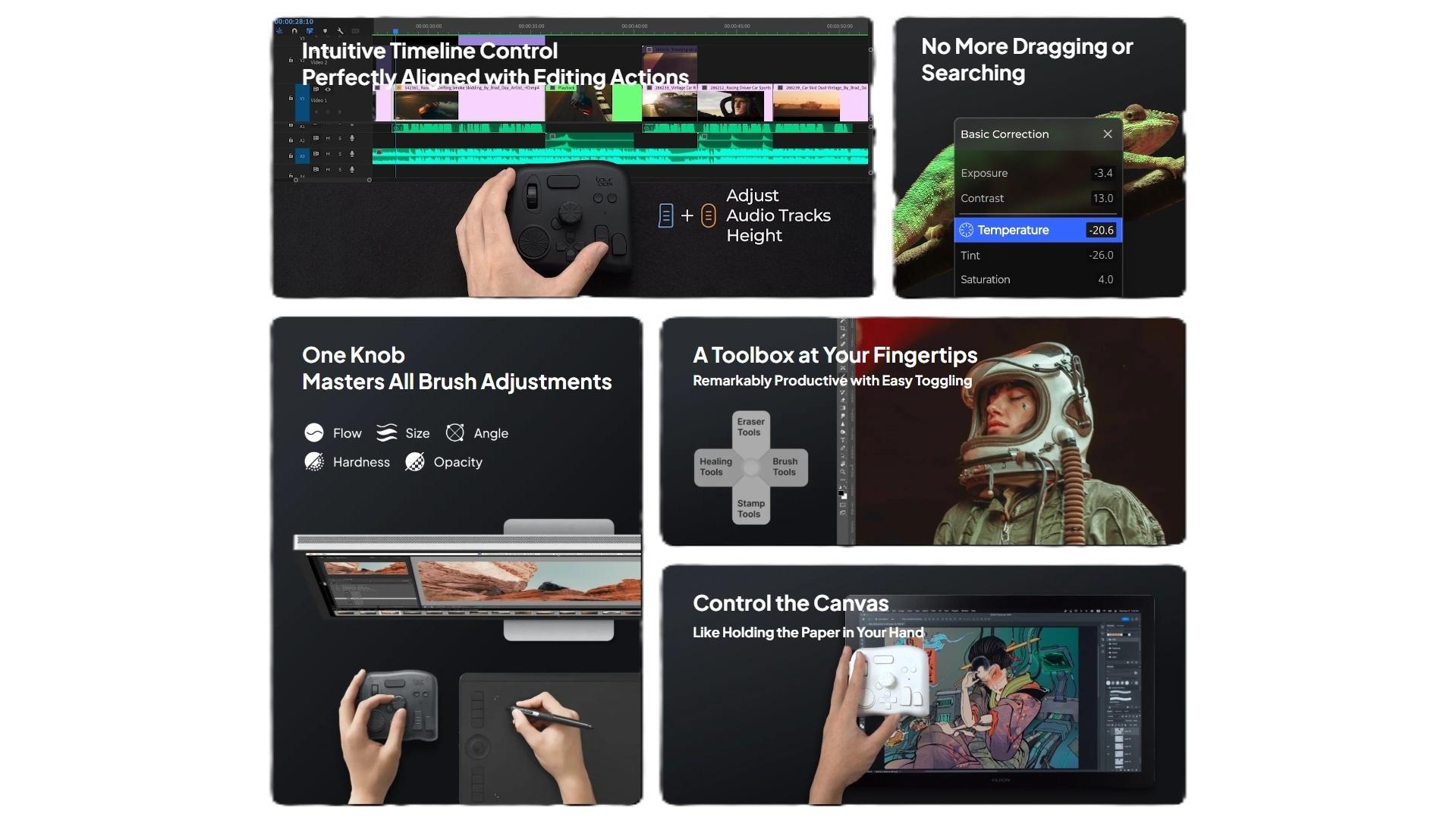
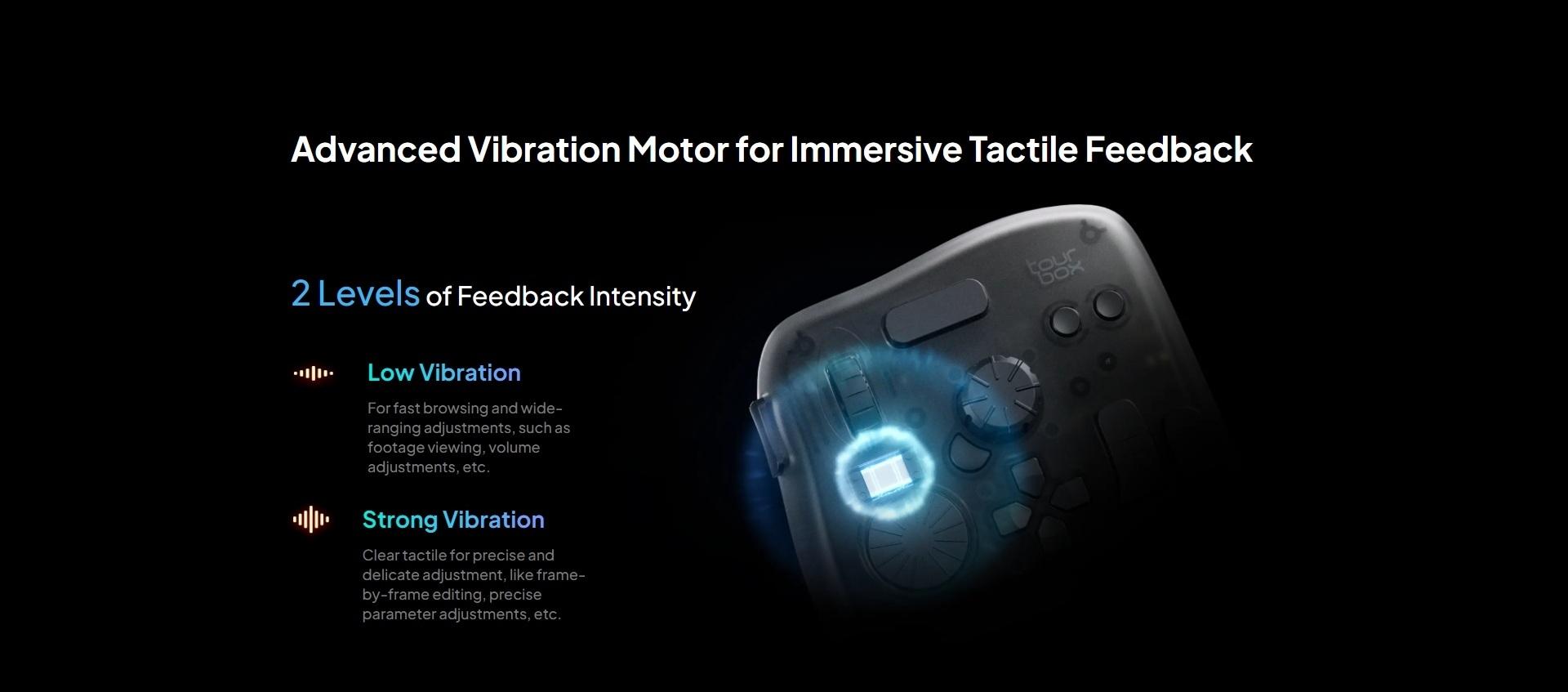
TourBox Elite innovates professional creative processes like editing, color grading, drawing, and design with intuitive software and hardware synergy, unique screen interactions, and immersive tactile feedback.
Intuitive Responsiveness
Highly Aligned Input and Editing Actions

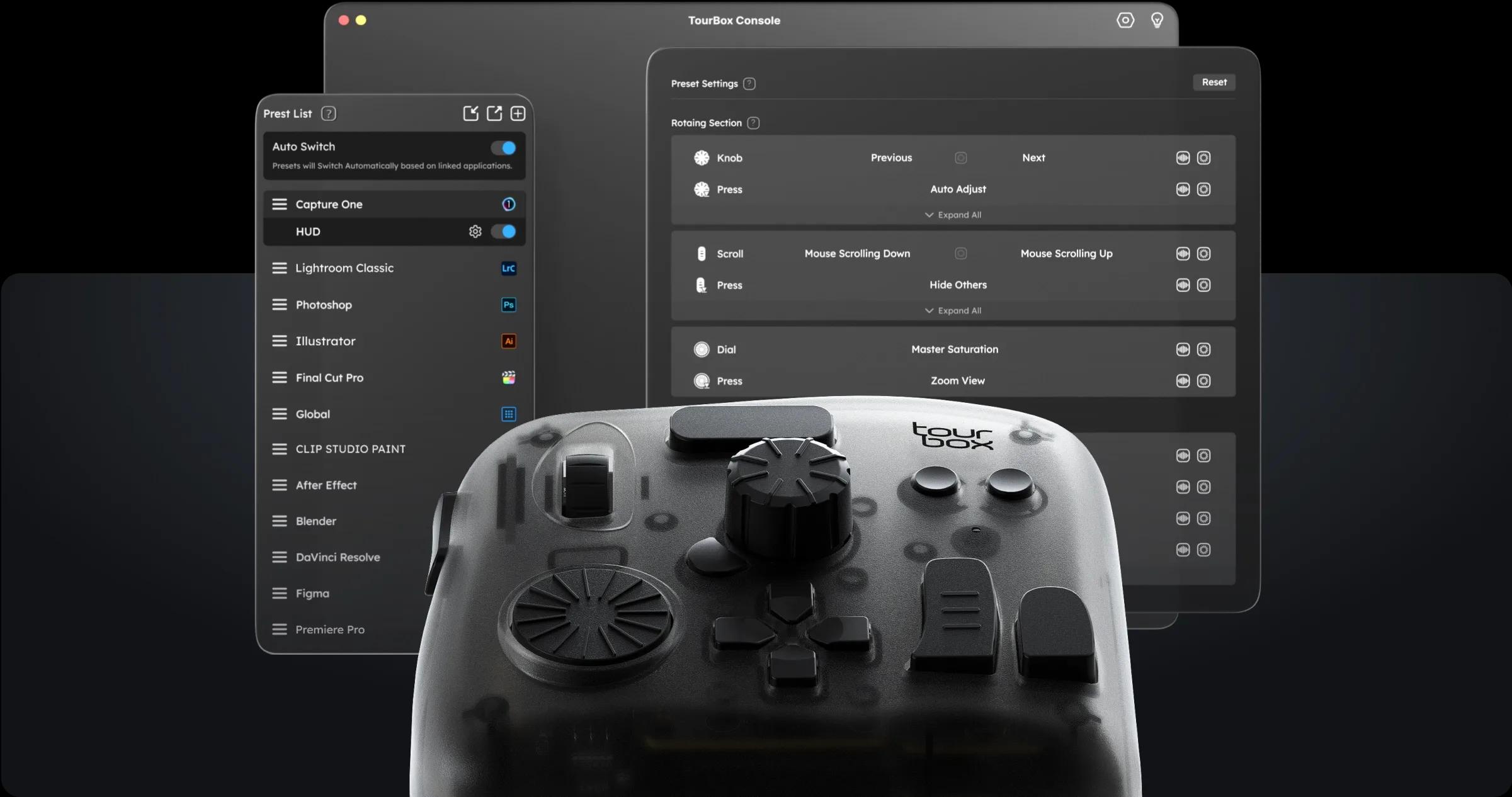
Fully customize all shortcuts, mouse actions, plugins, and macros.

The Very First Design for Full-Process Eye-Free Control
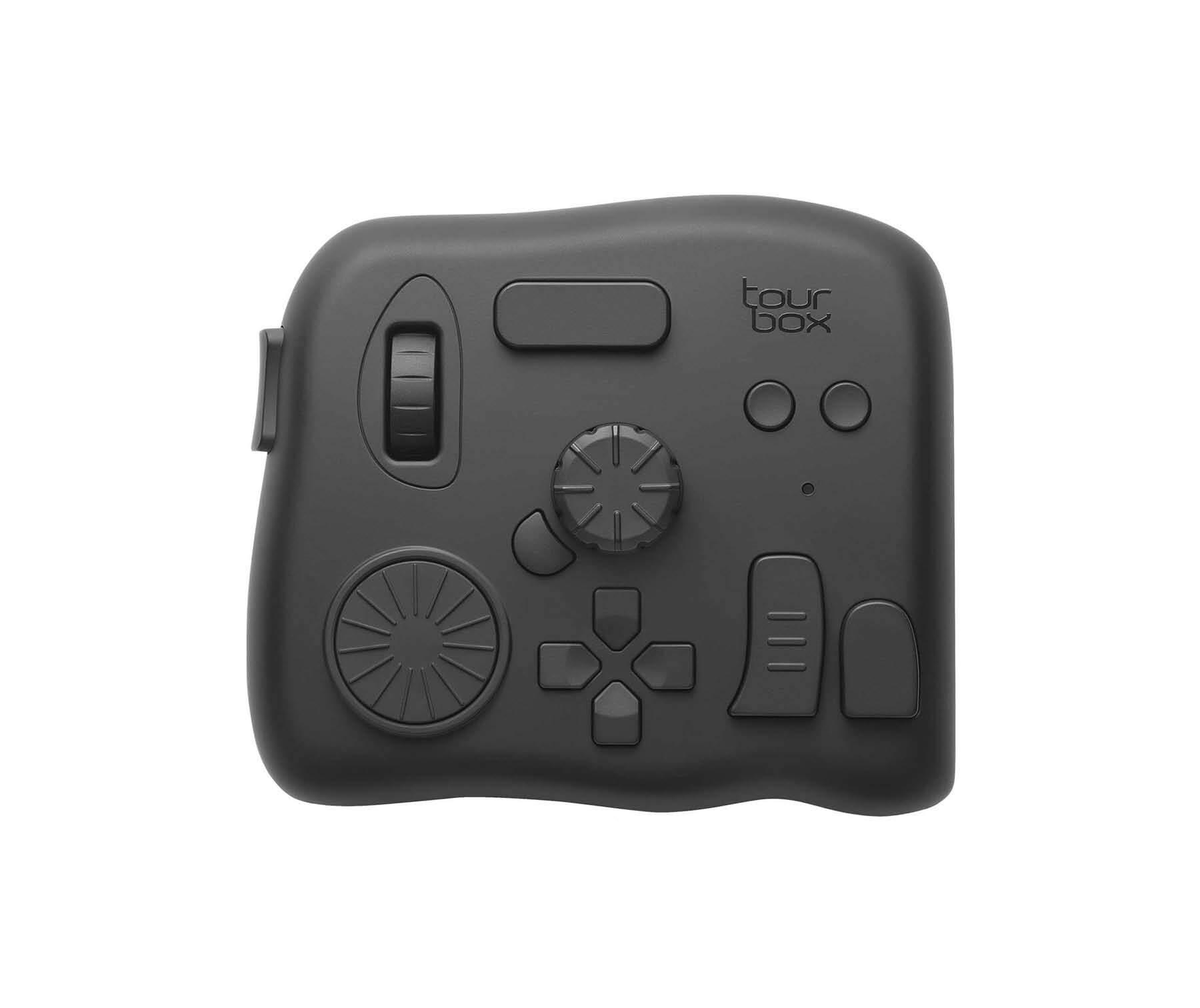
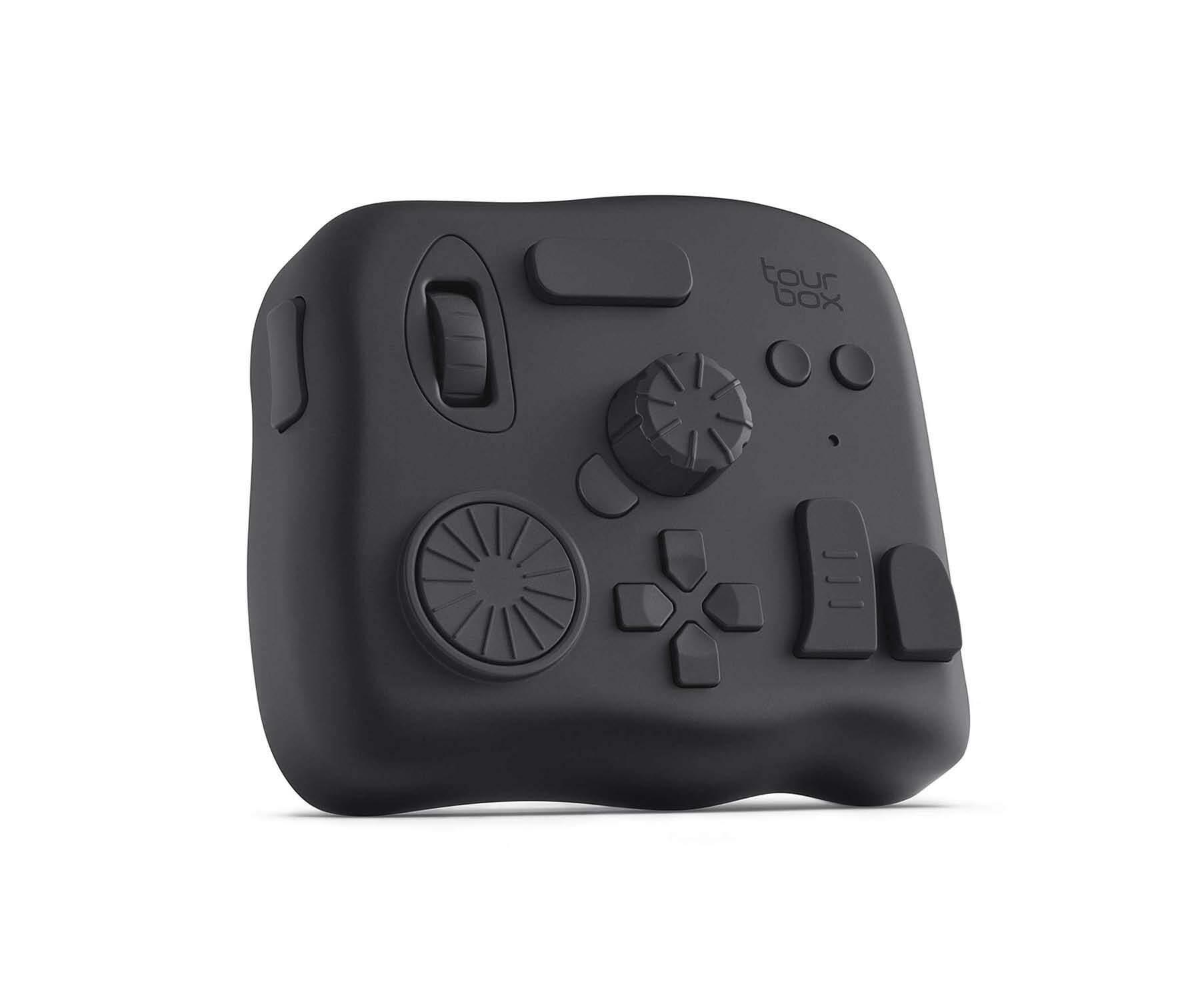
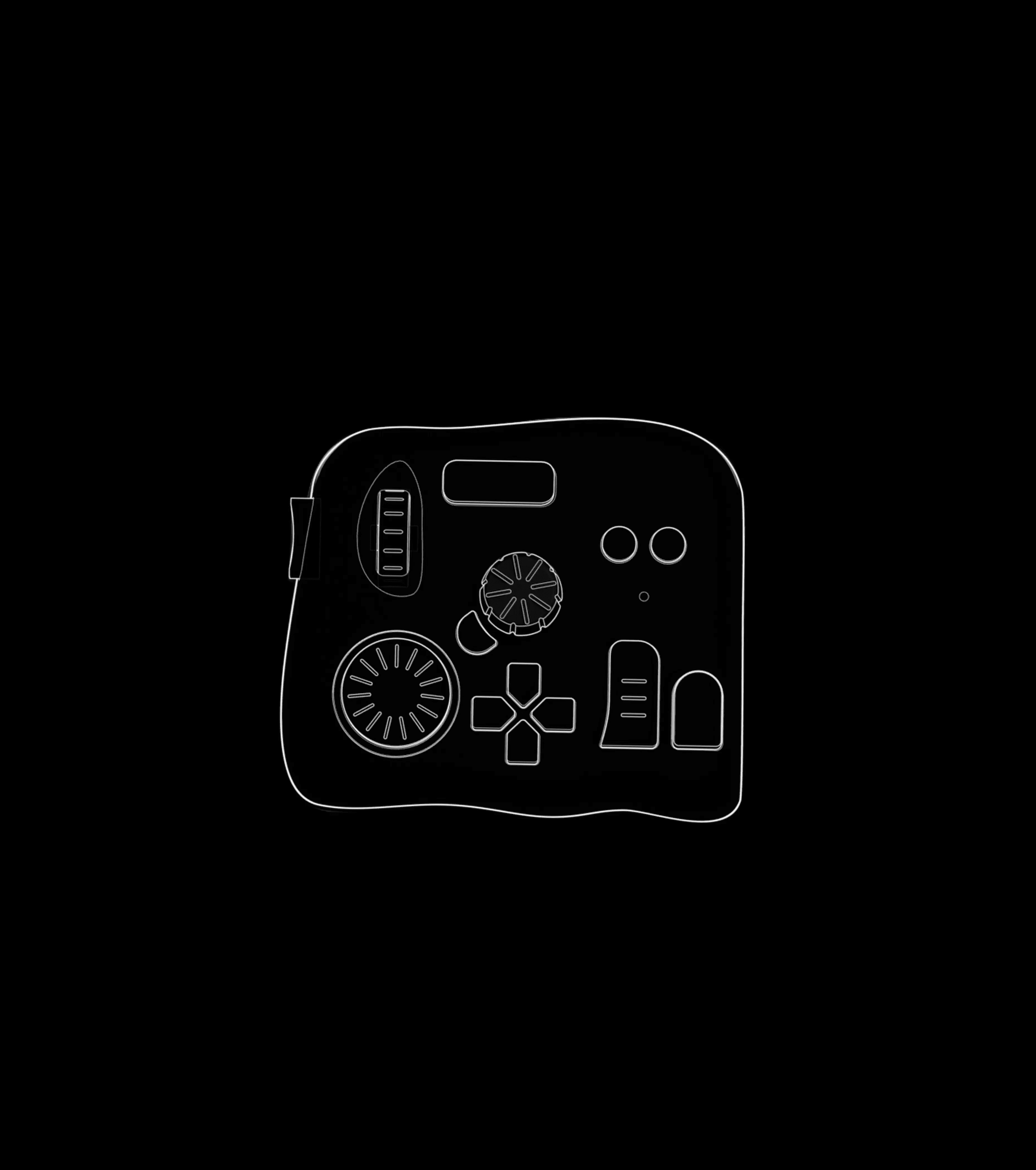
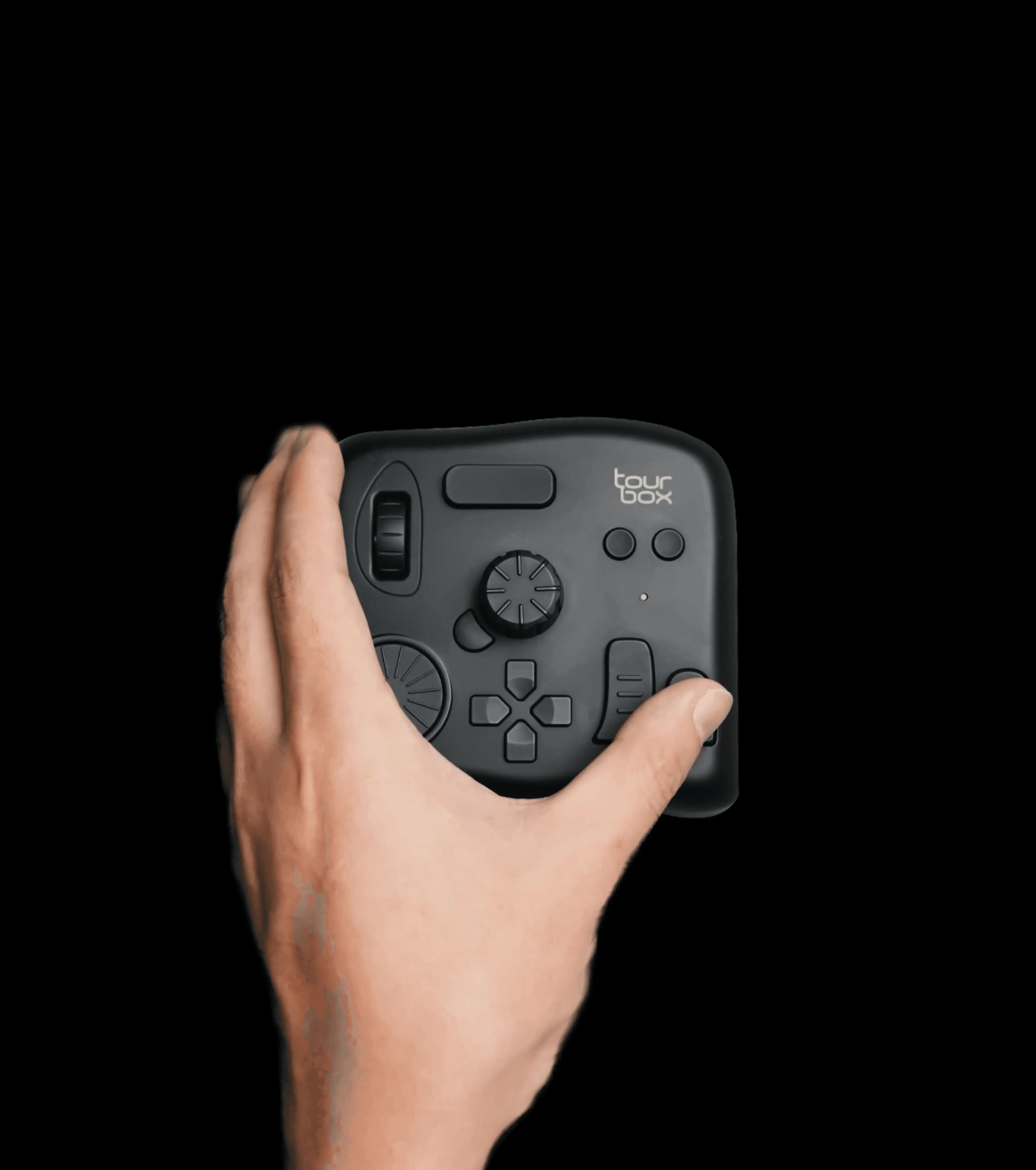
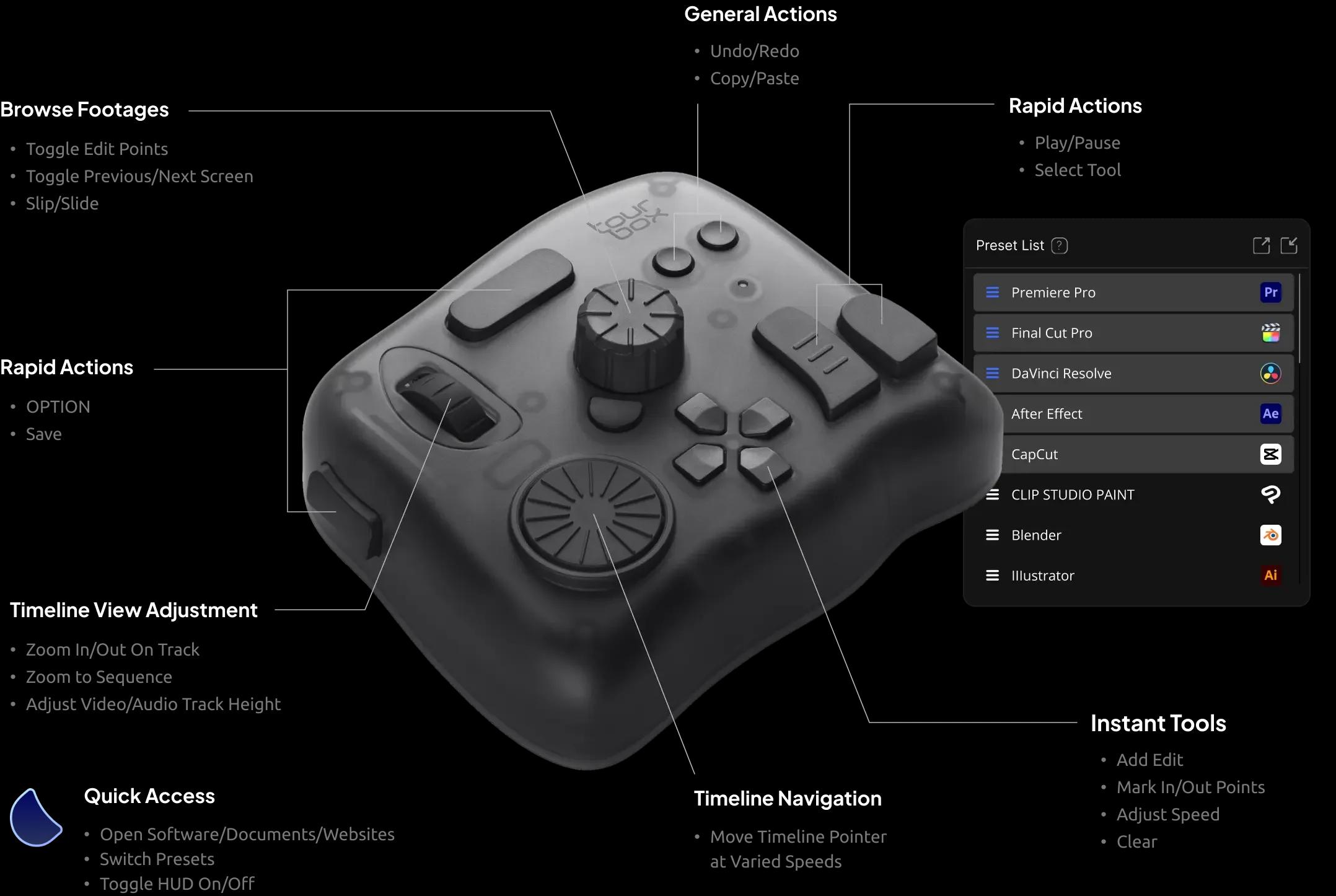
11 Buttons and 3 Knobs Each One Meticulously Designed


Multi-dimensional Input Actions
Click, scroll, spin, twist, single-click, double-click, any combined actions, meet all your diverse editing needs.
Unique Tactile Touch
Distinctive shapes and precise sizing of buttons Tailored for comfortable fingertip control.

Intuitive Layout Within Easy Reach
Each button perfectly placed at your fingertips. TourBox seamlessly extends your hand's natural reach.
Authentic One-Handed Eye-Free Control
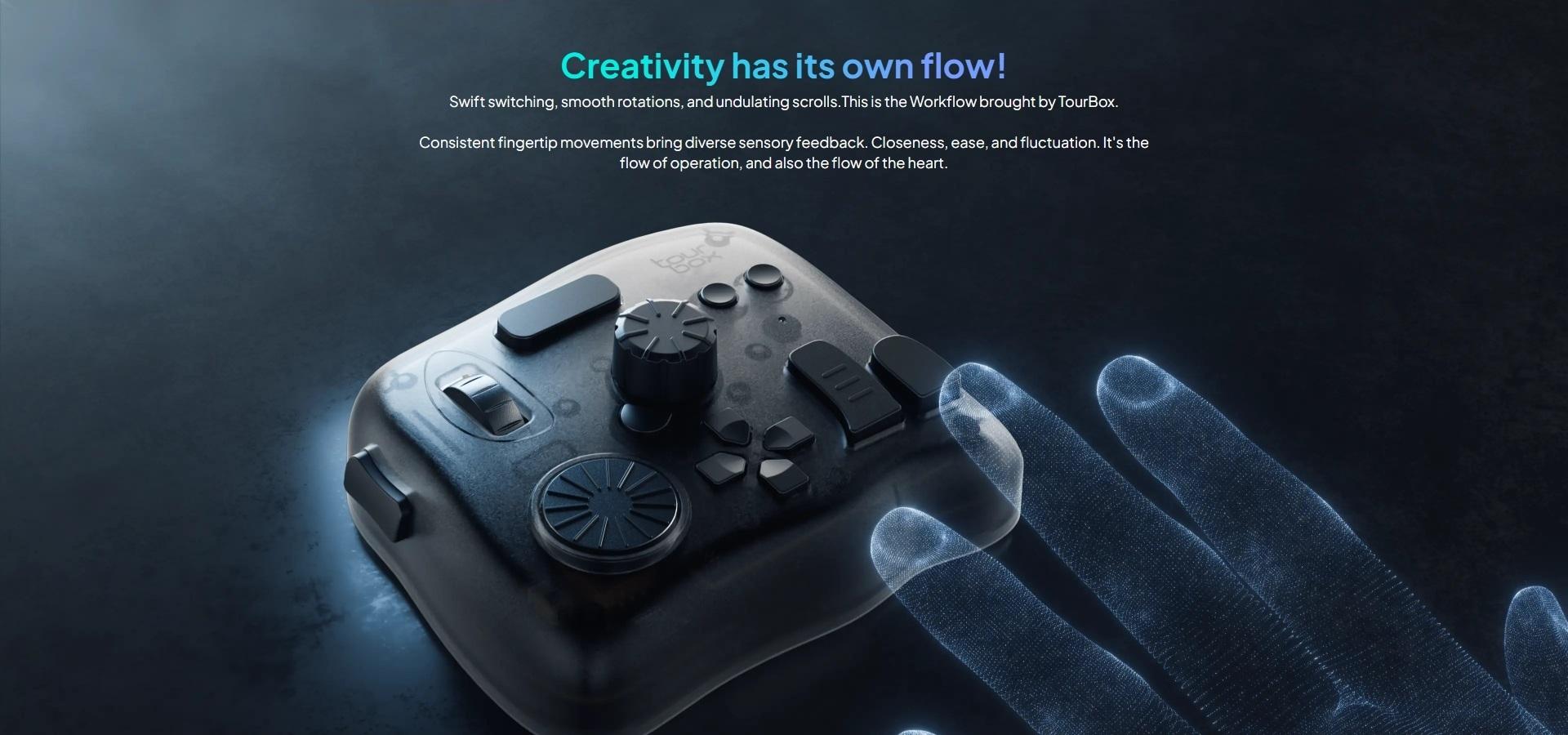
Eliminate the need to look down. Functions perceptible at your touch.





See details of TourBox in various creative fields?


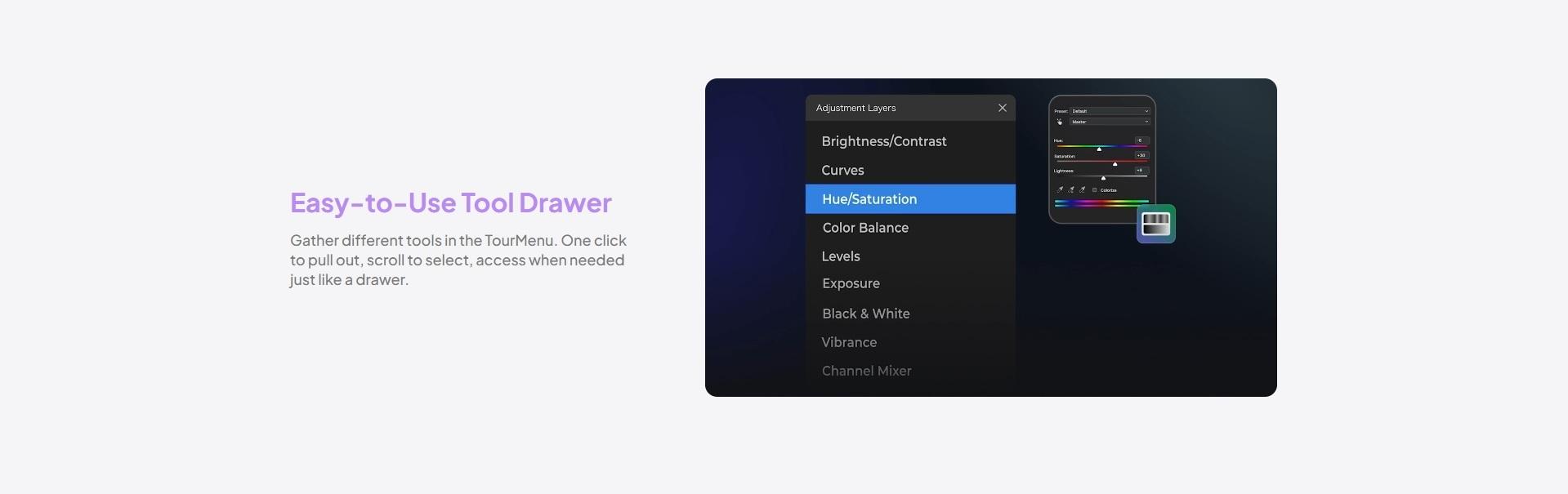
Responsive Screen Interaction
Reshape Editing Interface, Rebuild Creative Process



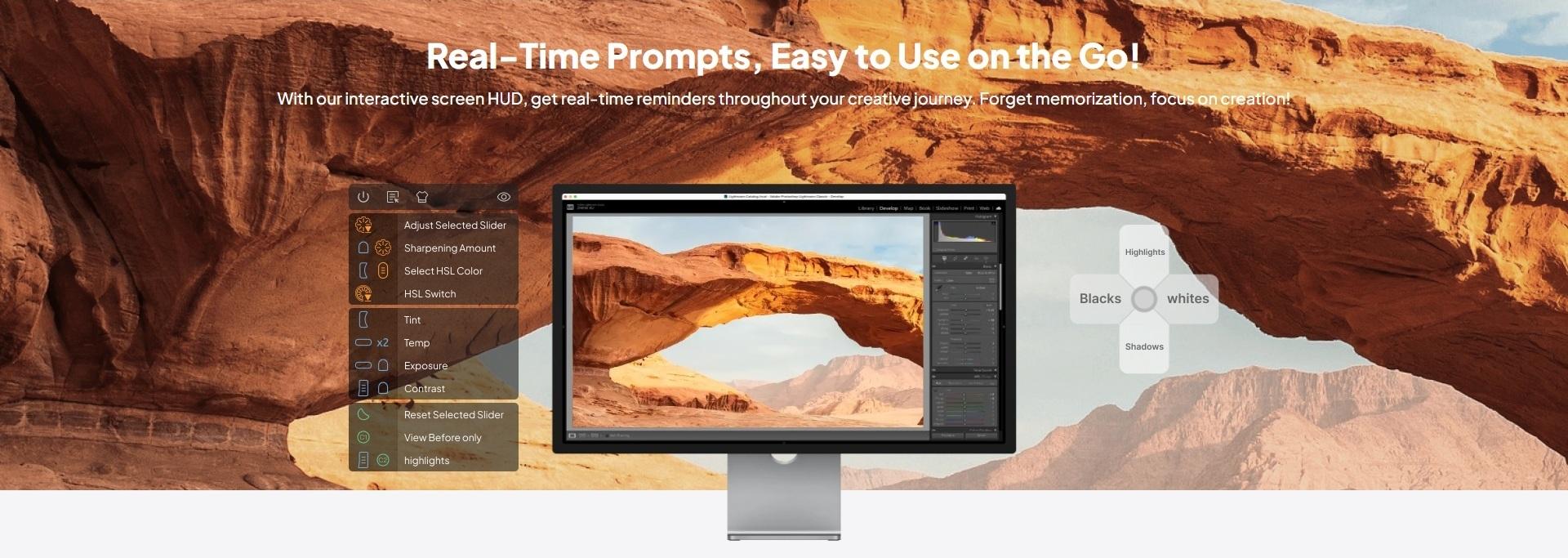

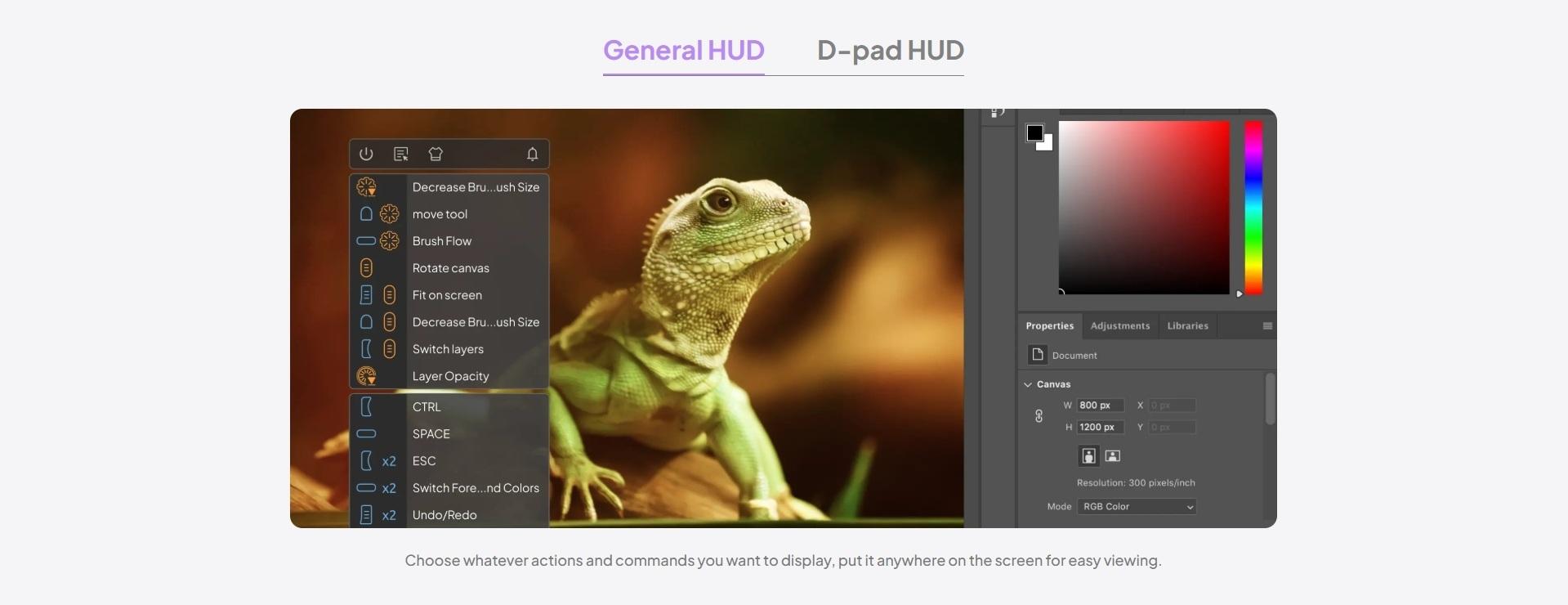

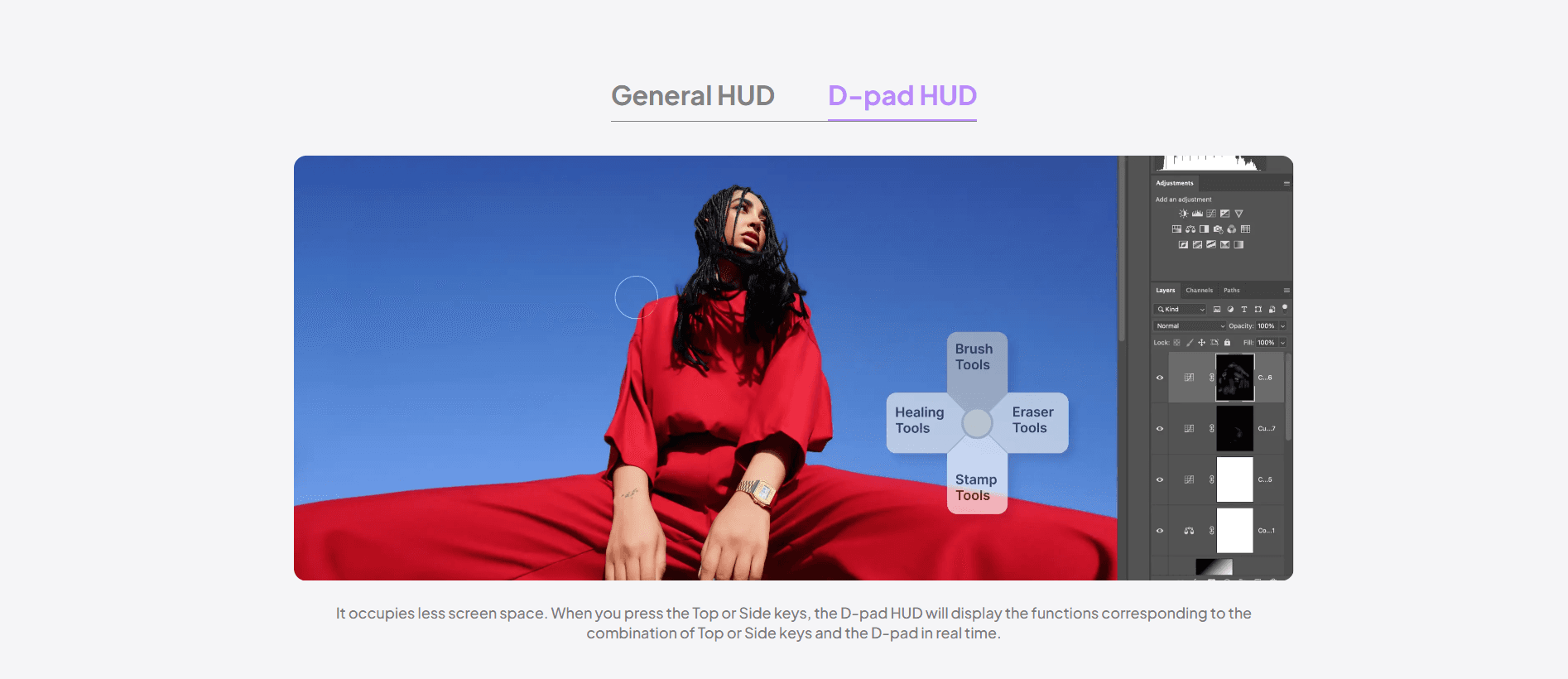
Smart Evasion to Reduce Distractions
When the mouse moves over the D-pad HUD area, it automatically reduces opacity.

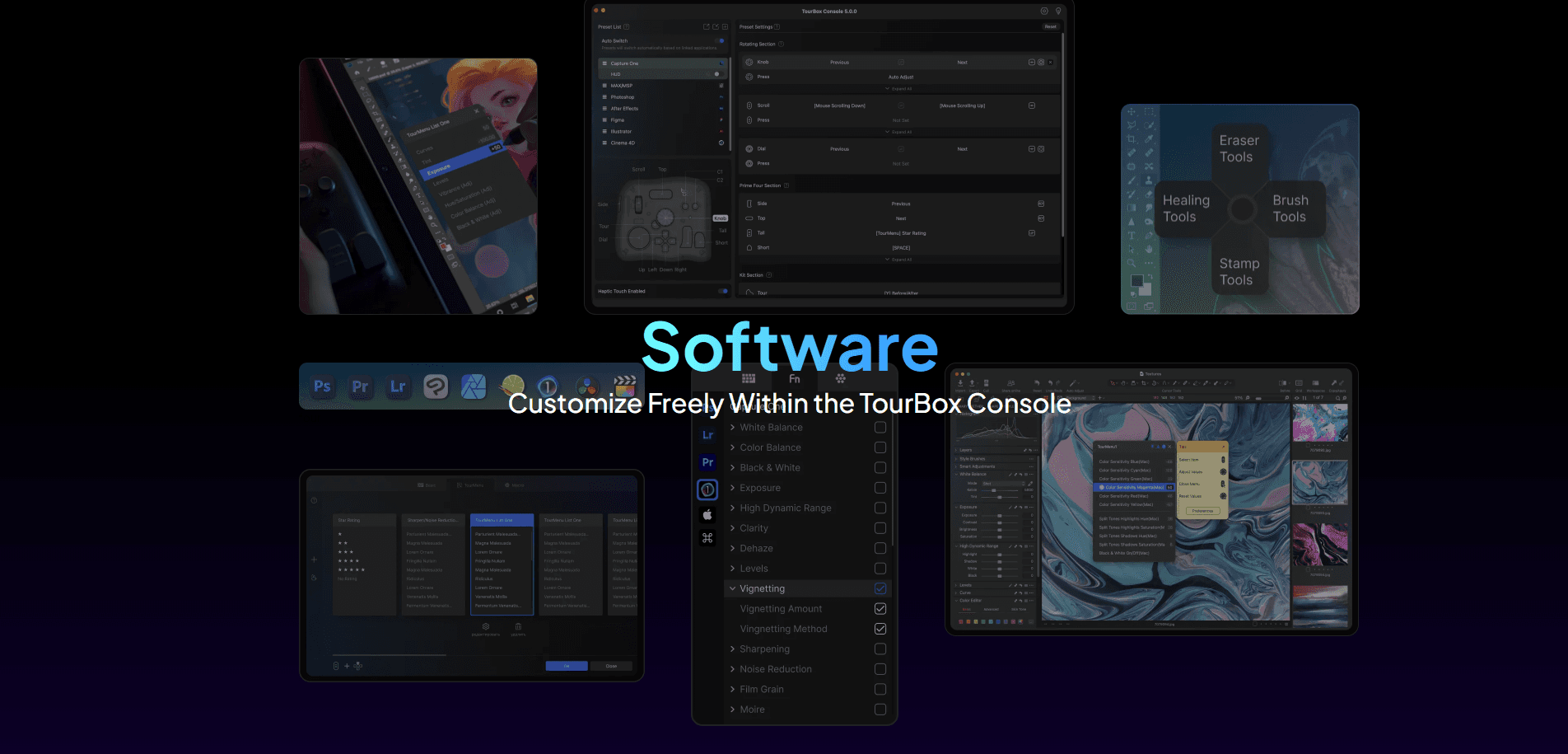
Unlock a New Way of Working, Faster and Easier!
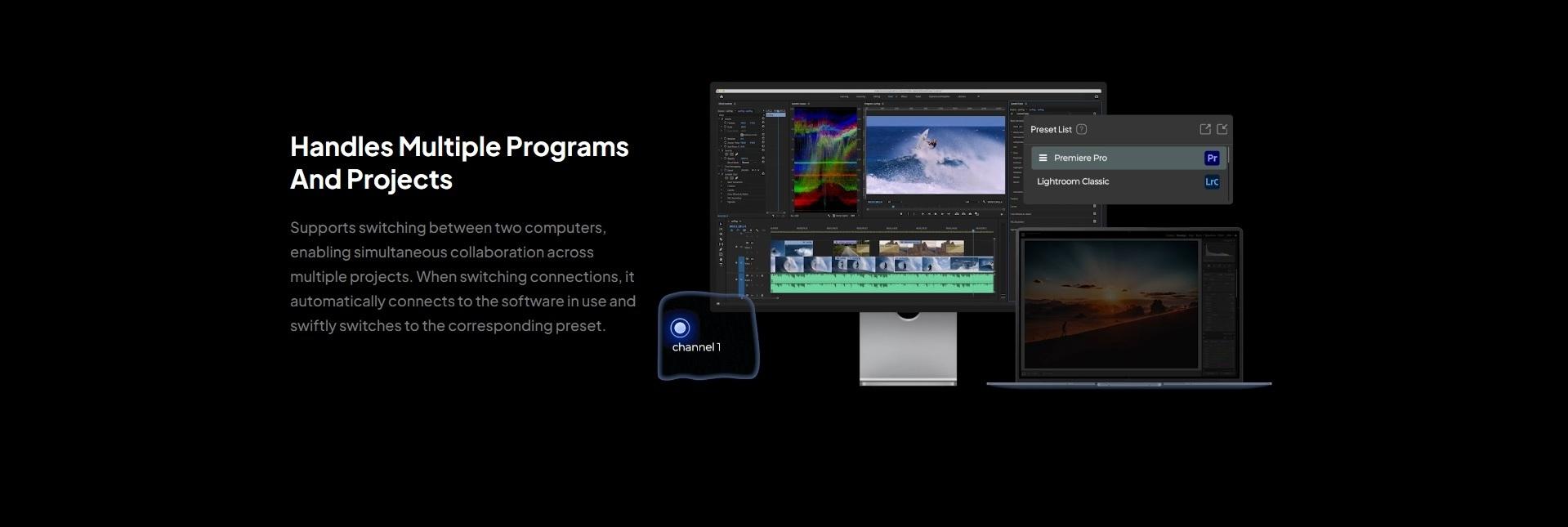
Utilize a wealth of default presets templates for efficient operation across various applications, Adobe Photoshop®, Adobe Lightroom Classic®, Adobe Premiere Pro, Final Cut Pro, Capture One, DaVinci Resolve, Clip Studio Paint, Google Chrome™, Safari, and more.
Create up to 30 presets for different software applications!


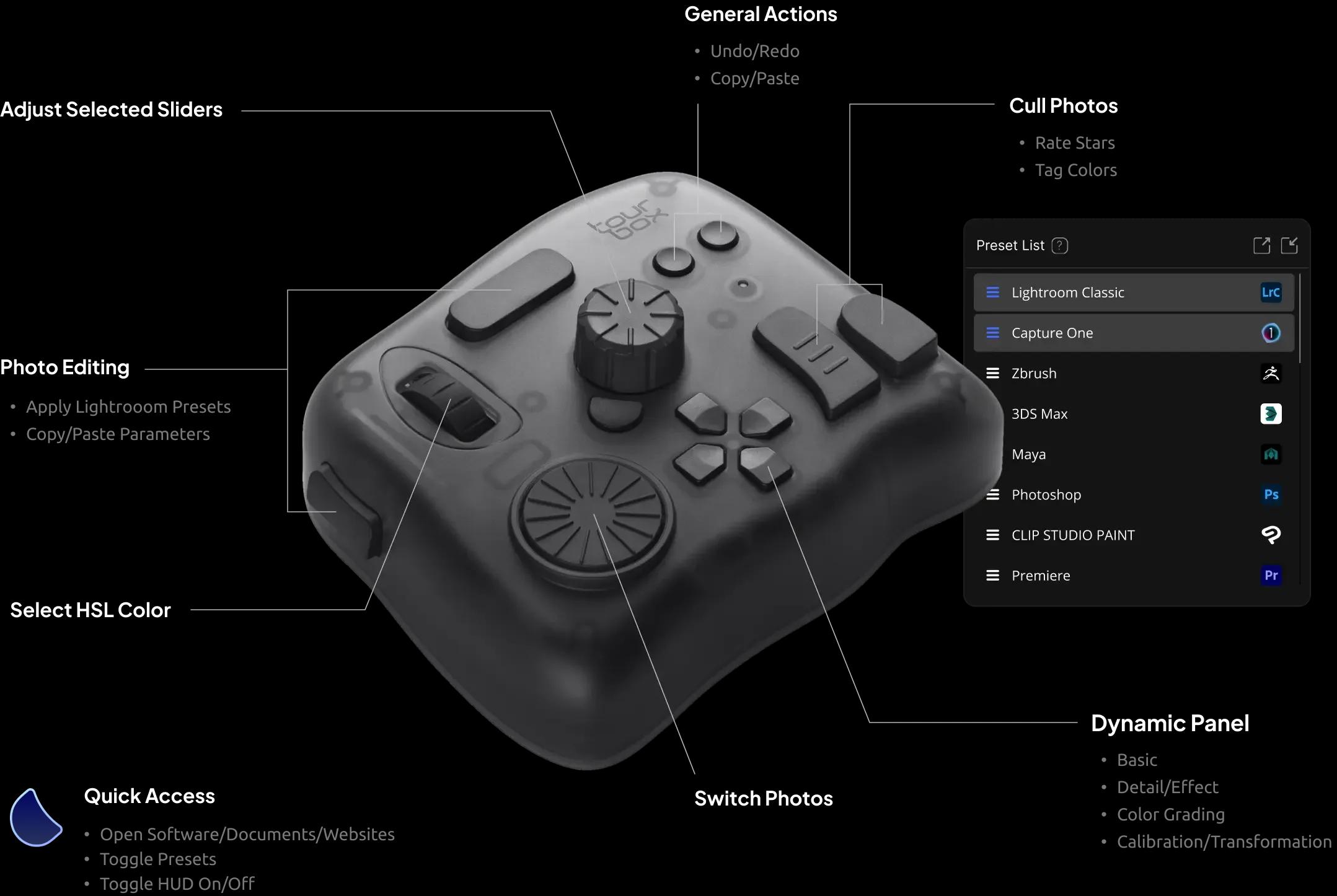
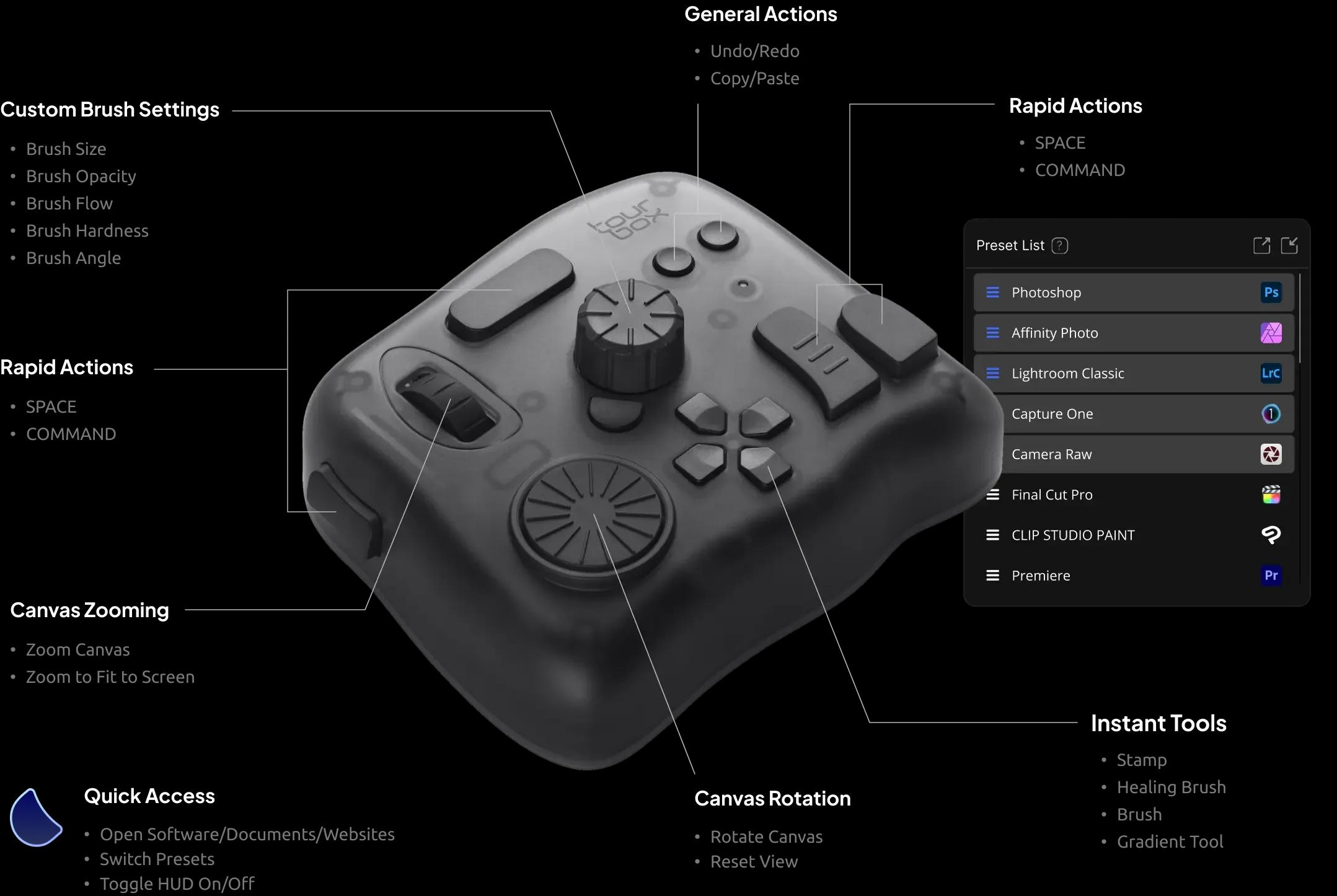
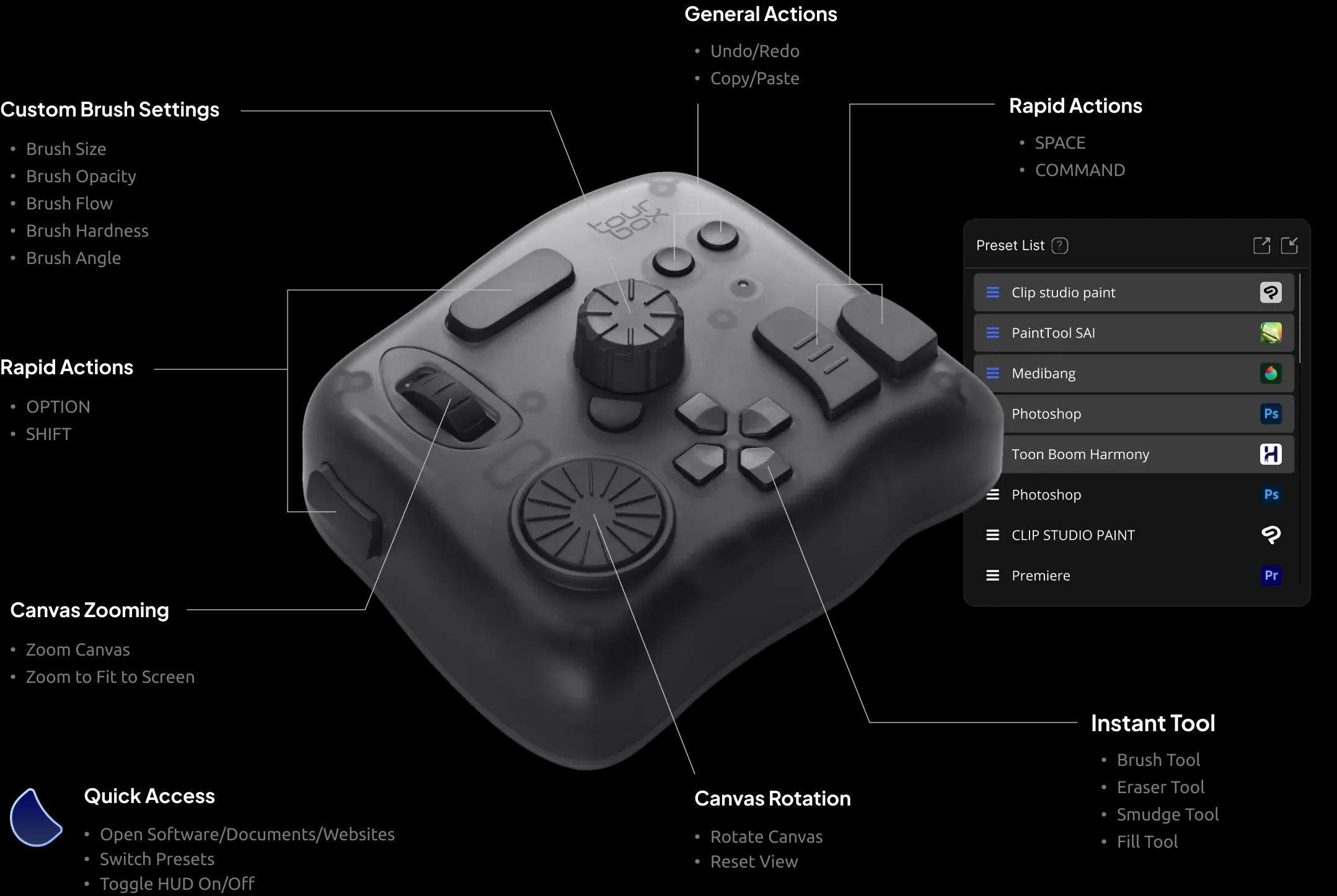
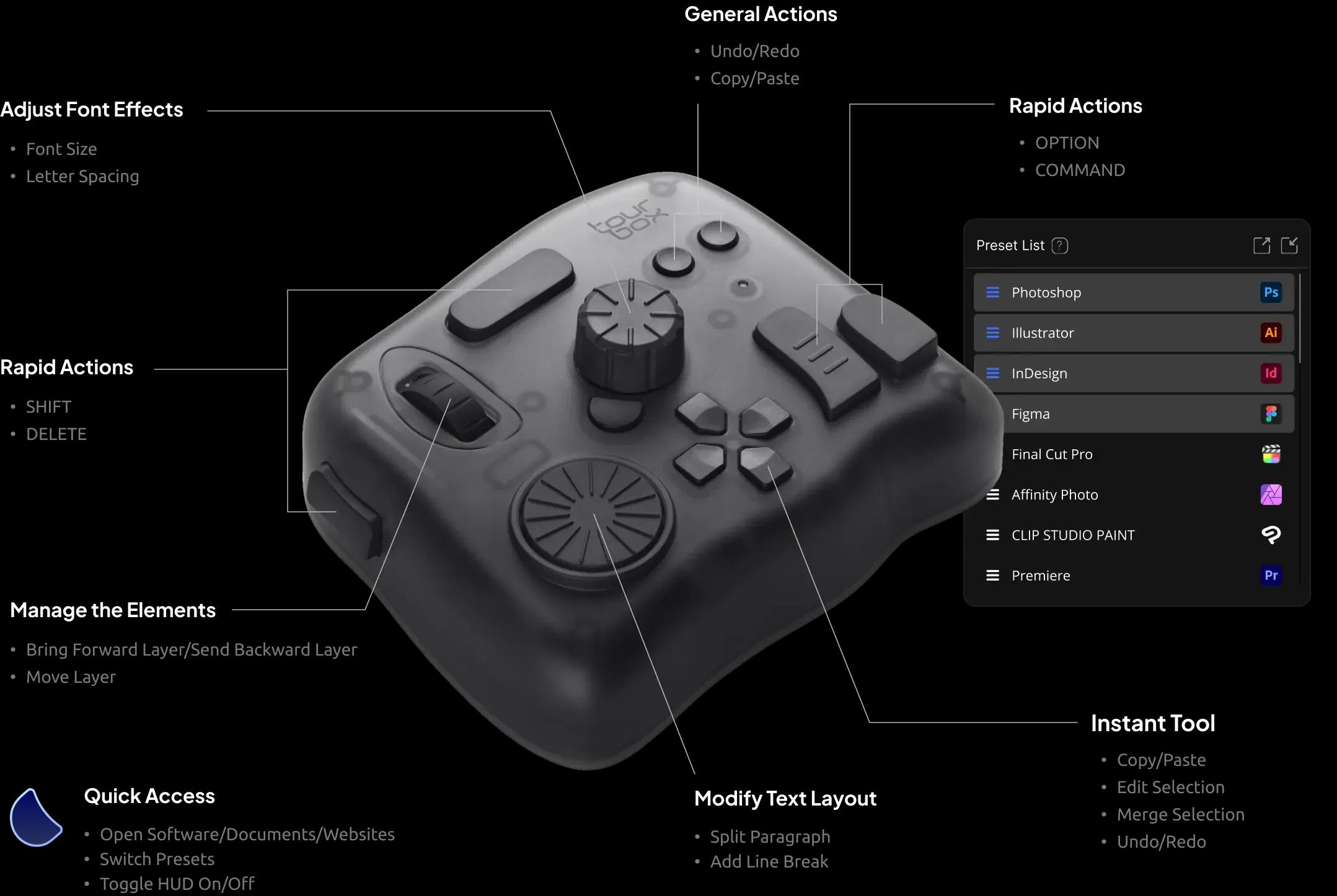
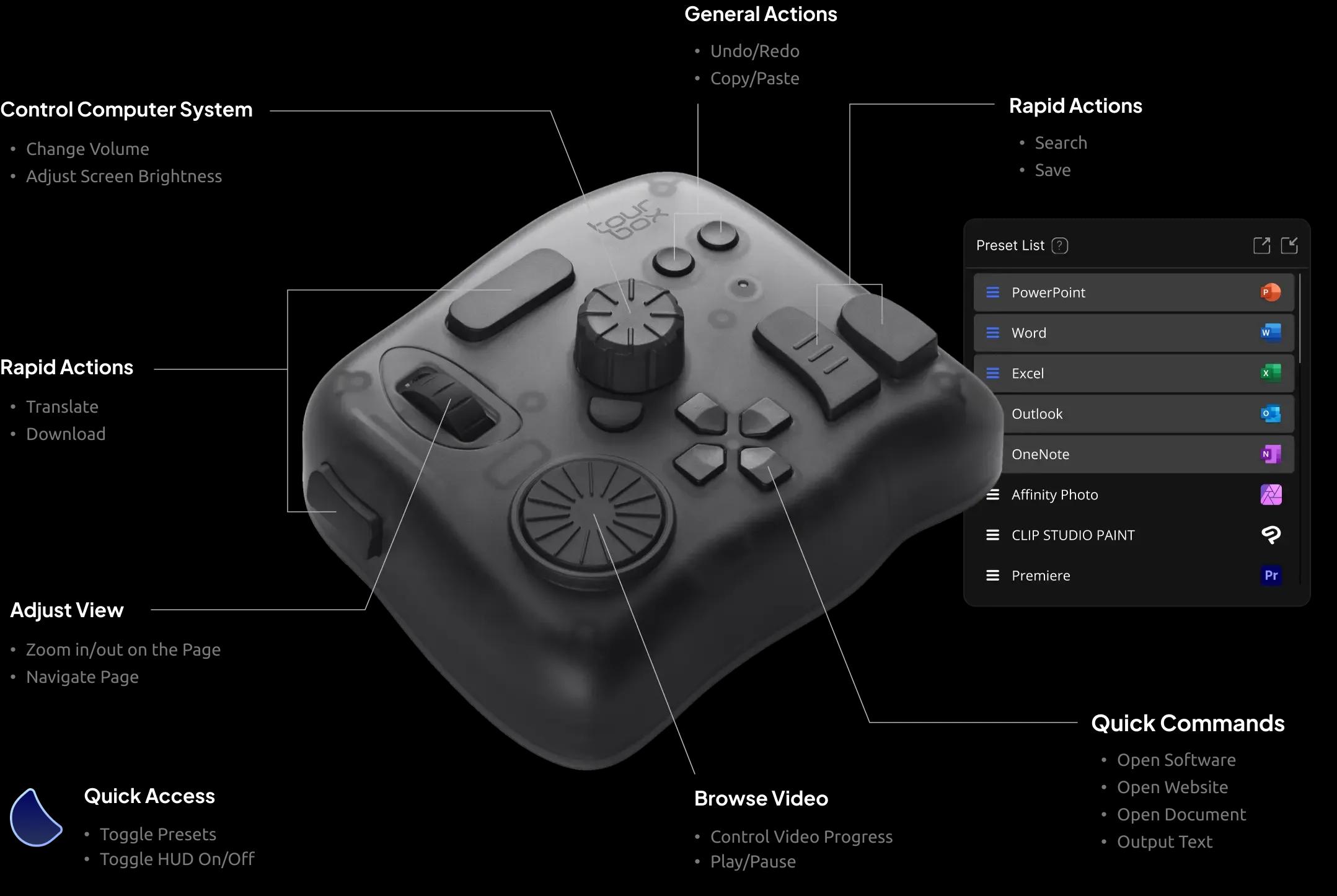
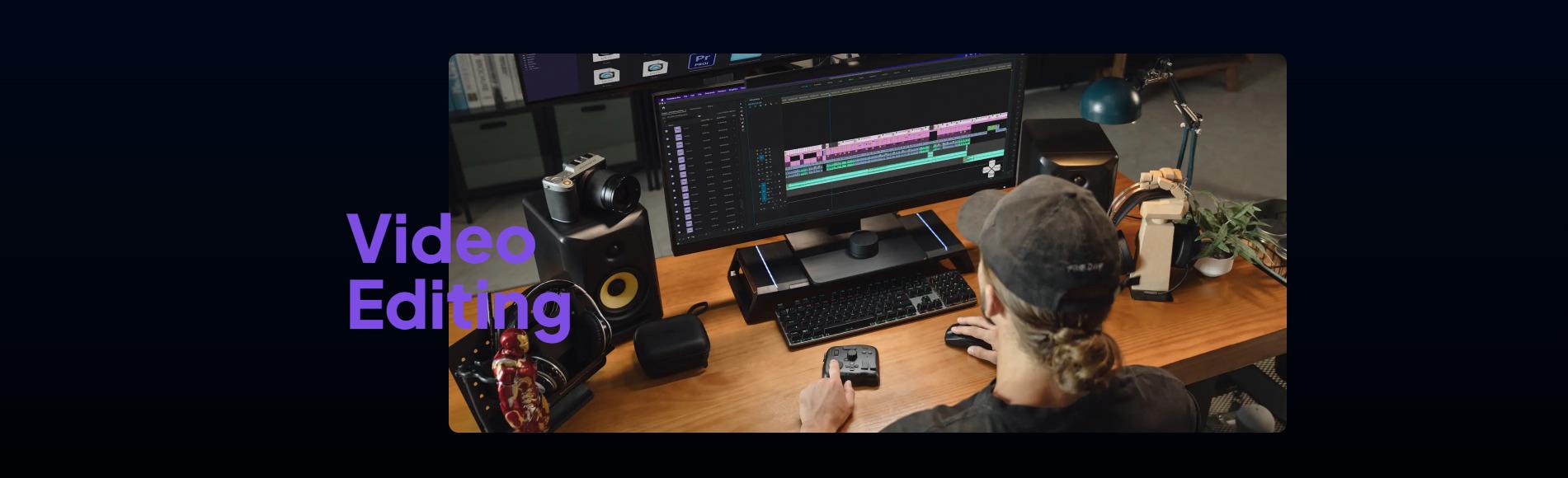
Video Editing
Color Grading
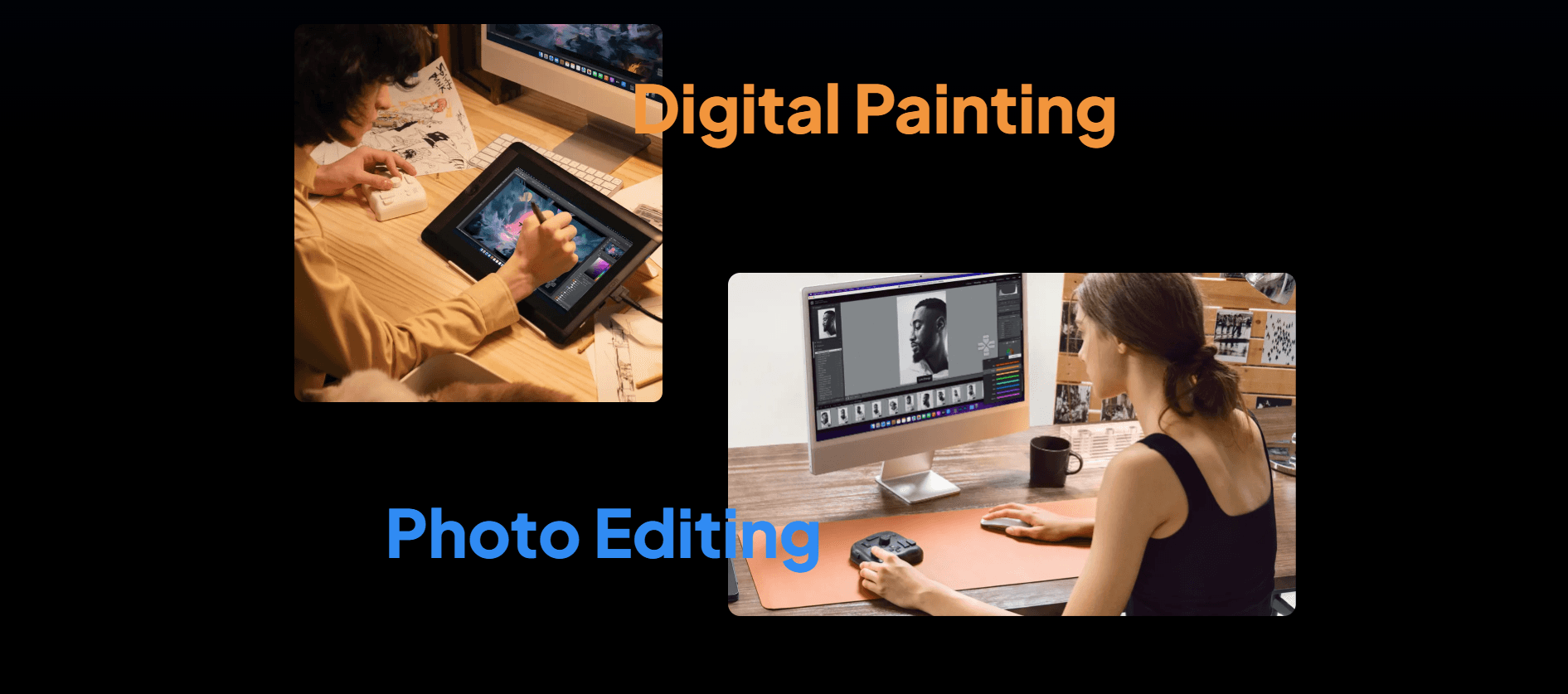
Photo Editing
Digital Painting
Graphic Design
Office Work
Customize According to Your Preferences
The TourBox's powerful user interface allows you to instantly and intuitively configure more functions via shortcuts and menus.

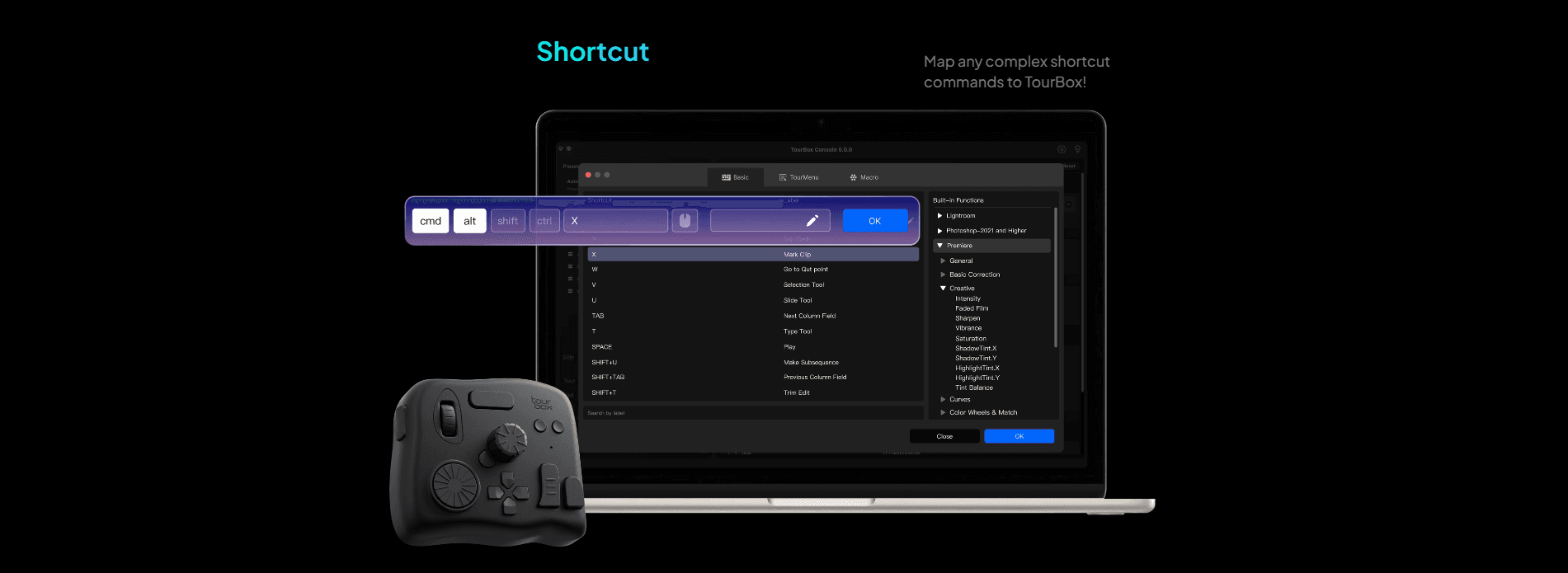
Mouse Action
Whether it's mouse clicks, double clicks, scrolling, or combined use with the keyboard, you can easily set them up on TourBox.

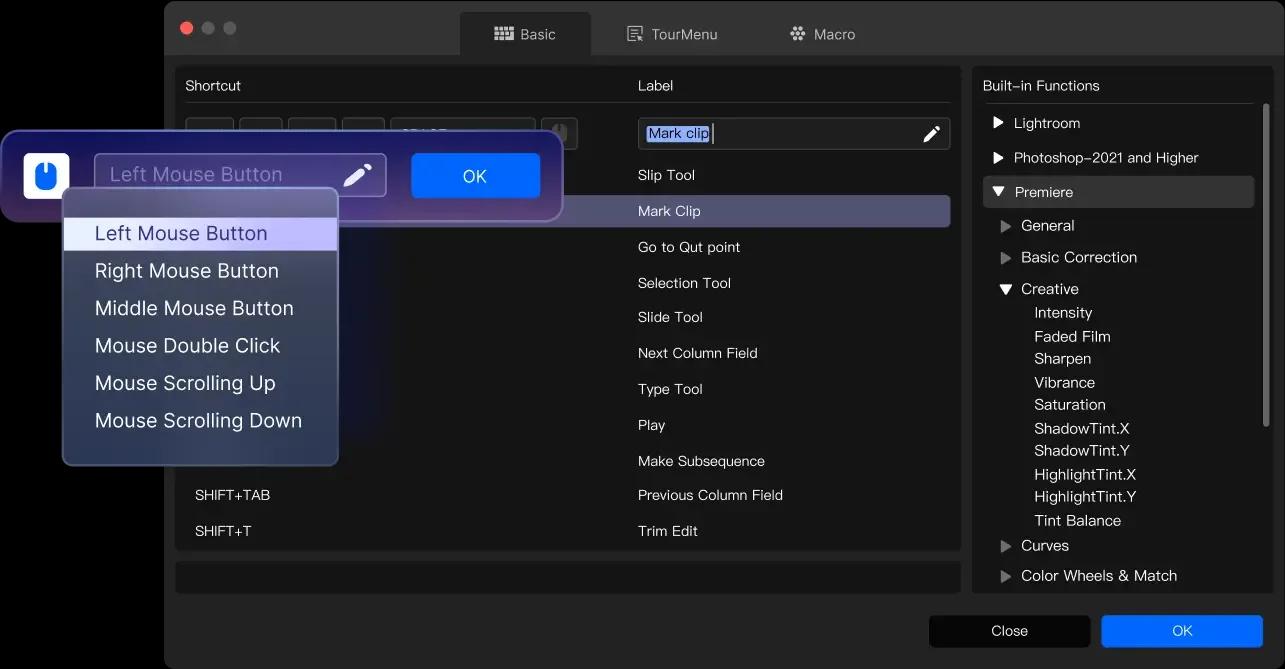
Application Plugins
Still missing shortcuts for many functions? TourBox continues to provide deep integration solutions and plugins for various applications, offering the user tools that would otherwise be impossible with the keyboard and mouse.

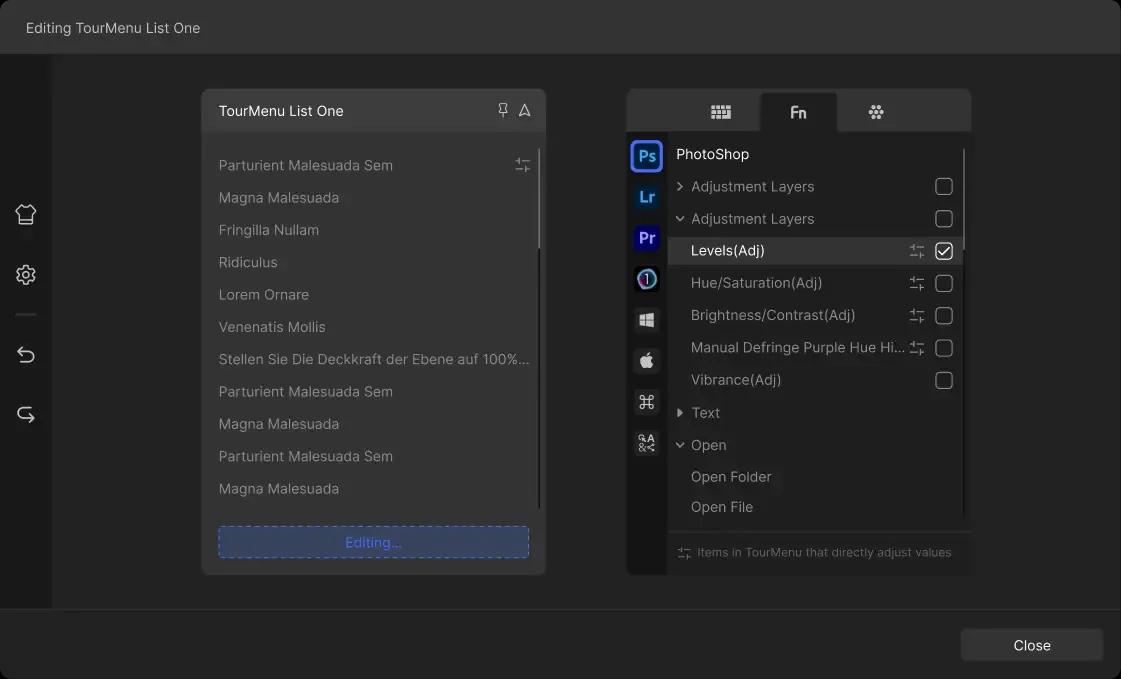
General Plugins for Everyday Convenience
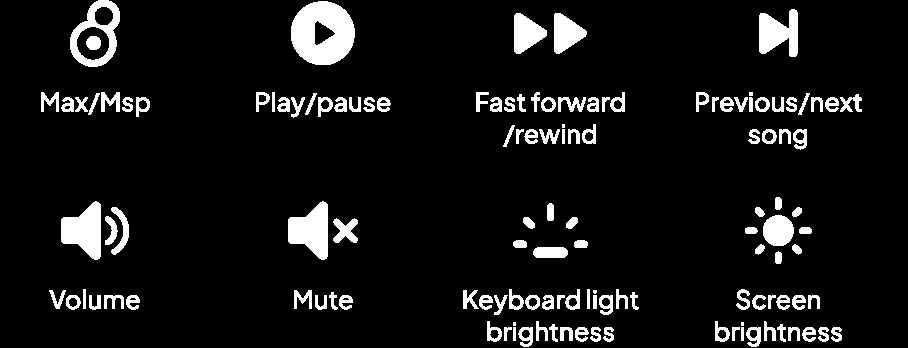
You can also configure general plugins such as MIDI and system plugins to adjust computer volume, playback progress, and more.

Macro Command,
Automate Your Workflow
All knobs and buttons can be set with macro, allowing for the automatic execution of multiple commands at once or in sequence.

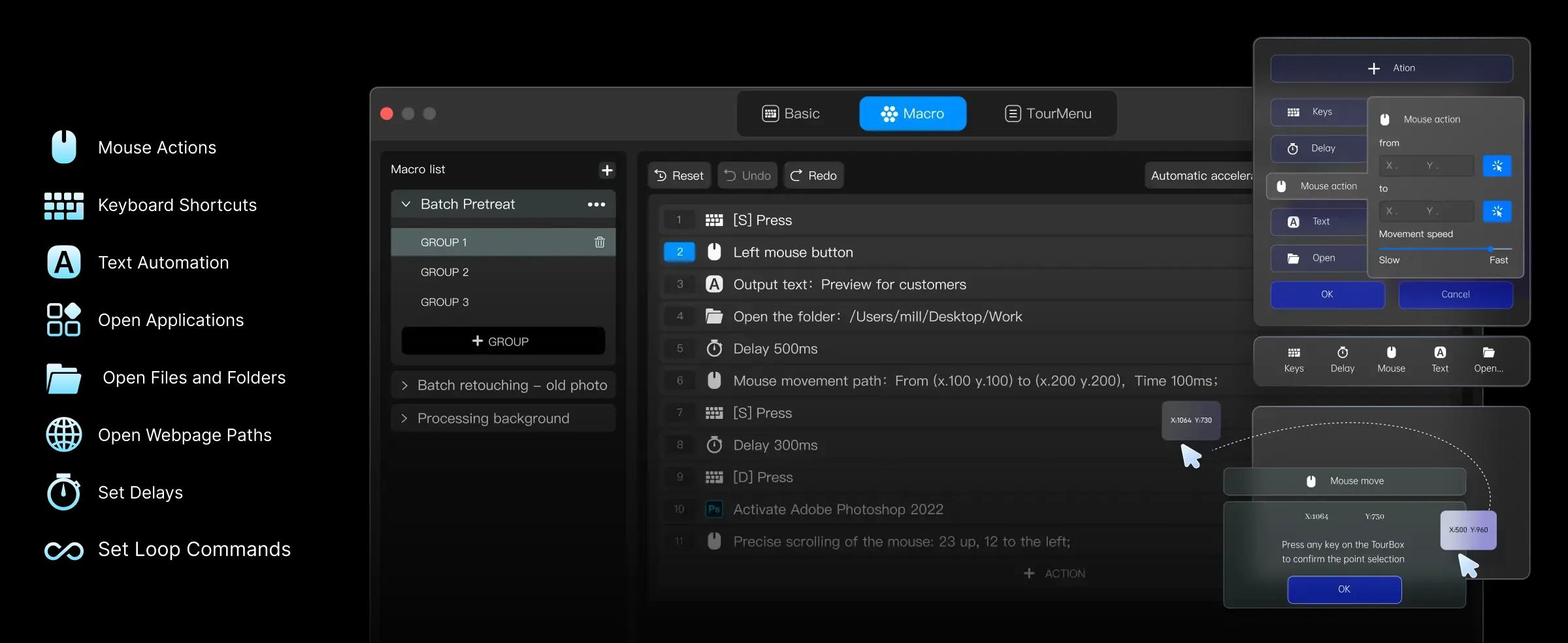
Simplify complex tasks such as batch coloring, line extraction to a one-click action.
Discover More User Presets
Fewer Actions, Higher Efficiency
Utilizing hand-tracking technology, we measured the movement of Hugo's left hand during retouching (who is a professional retoucher), and visually displayed it in a digital format.
*Until the time of measurement, Hugo had been using TourBox for less than three months.
*The image edited using the keyboard and TourBox is the same.The sequence was first edited using TourBox and then edited using the keyboard.

More Upgrades
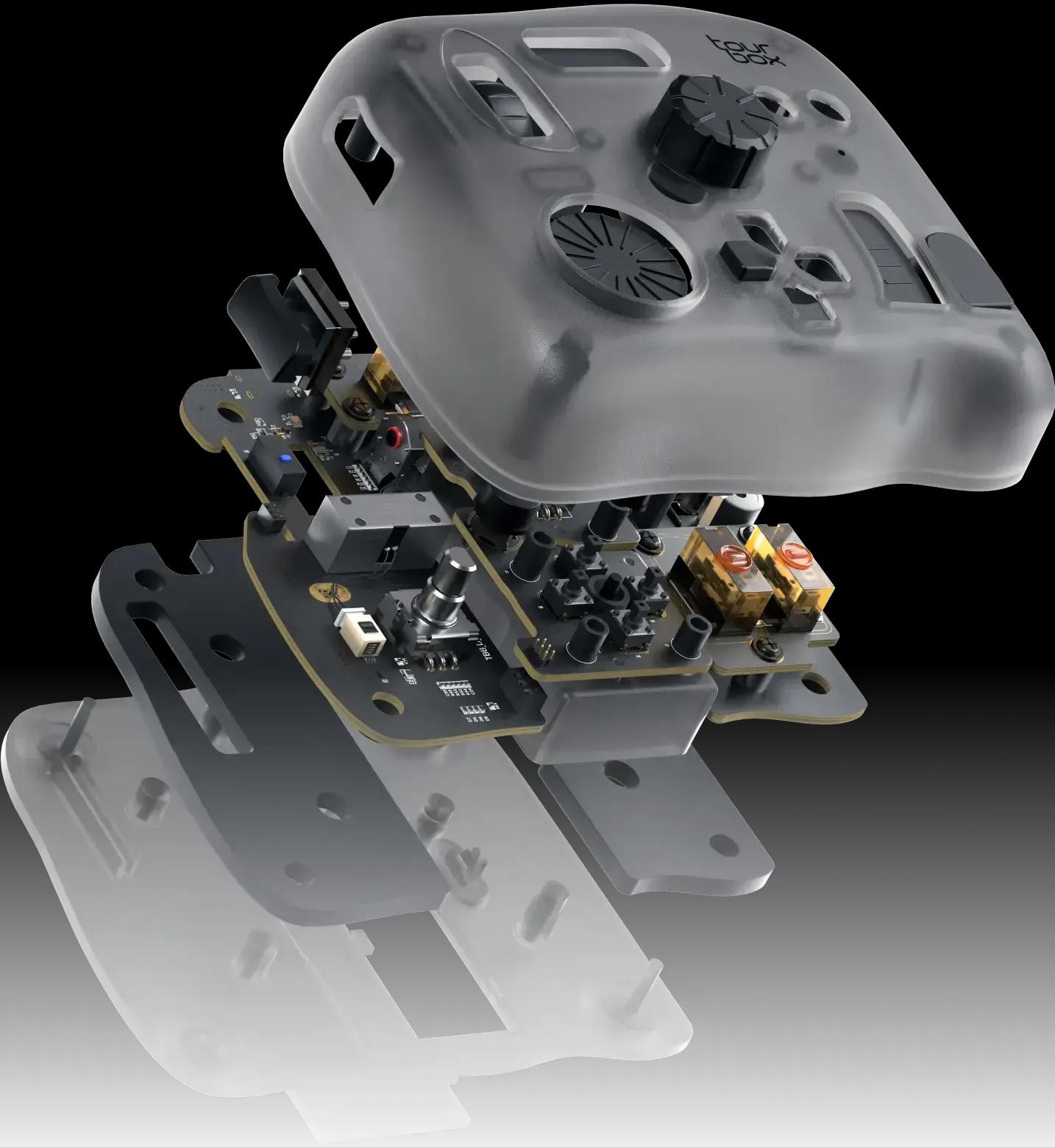
Chip Upgrade
More powerful performance, smoother process, and more possibilities.
Newly upgraded components and buttons
4 different switch encoders have been selected according to different key layouts to cater to the strength and tactile needs of different fingers.
UV antibacterial and fingerprint-resistant coating.

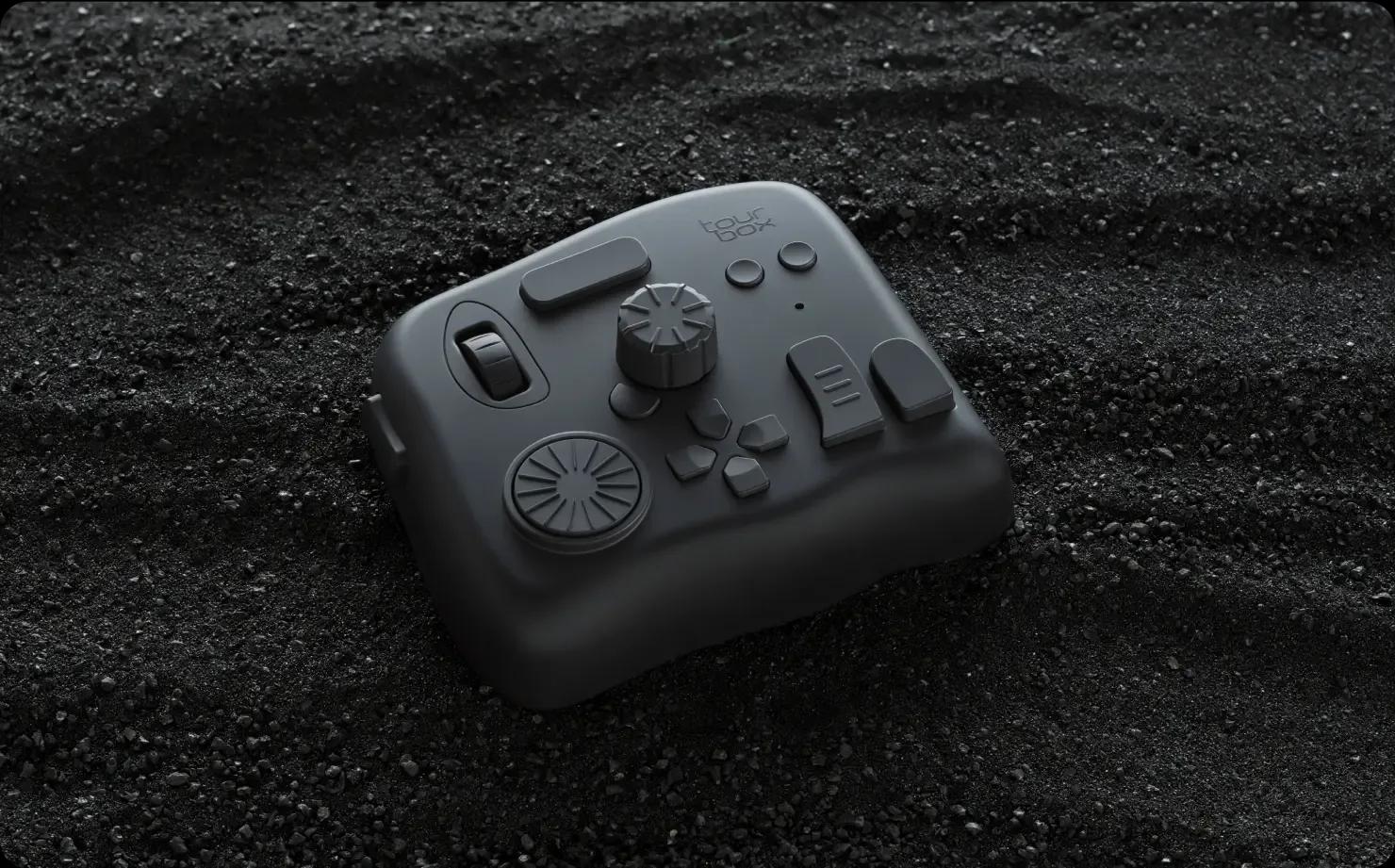
What's in the box?
- 1 x TourBox Elite
- 1 x Safety Instructions
- 1 x Quick Start Guide
- 1 x Battery
- Dimensions
- 116X 101 X 44mm
- Weight
376g without batteries
424g with batteries
- Outer Material
- ABS
- Button Material
- PC+ABS
- Dial & Wheel Material
- PC+ABS+TPU
- Coating
- Translucent version, no extra coating; black and white version, UV anti-fingerprint coating.
- Connection
- Dual-channel BLE5.0 & USB-C cable
- Motor
- Linear motor
- Processor
- Low energy consumption
- Power Input
- For cable connection, 5V DC, 100mA; Bluetooth connection, 3V DC, 50mA
- Bluetooth Connection Requirement
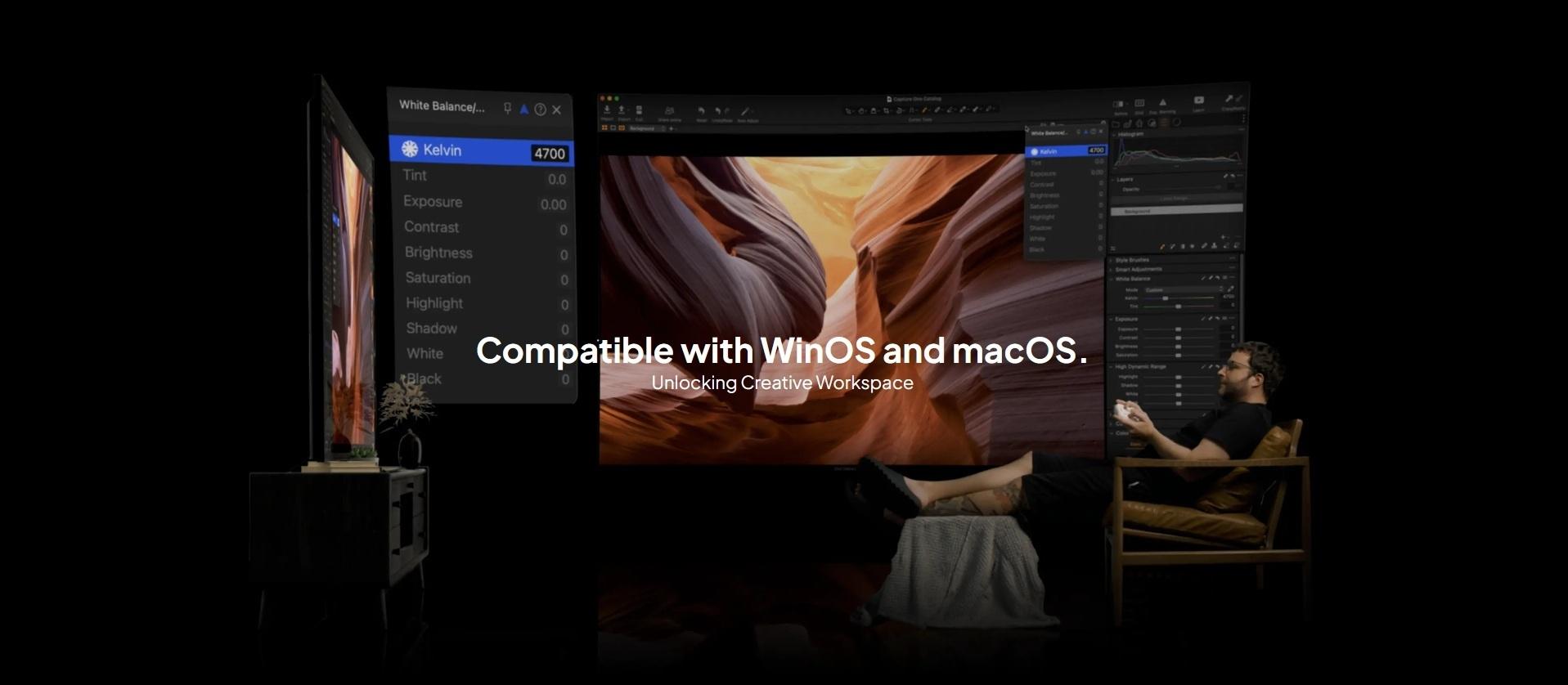
- Computer OS - macOS10.13 and above,Windows 10 and above Hardware - Computer or Bluetooth adapter supports BLE4.2 and up
- Cable Connection Requirement
- macOS 10.13 and above,Windows 7 and above(64 bit only)(extra driver needed for Windows 8)
- Battery Life
- Up to 2 months